
Setup steps
1
Connect your wallet
Go to cade.market and click Login. Connect with Phantom.When you log in, Pumpcade creates a platform wallet for you automatically. This wallet handles all your predictions on the platform.
Pumpcade is set as a session-signer for your wallet, which lets us execute transactions you initiate through livestream chats.
2
Get testnet USDC
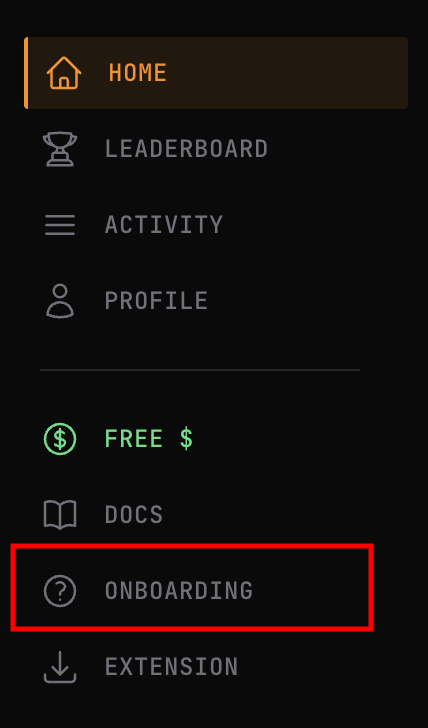
Click the FREE $ button in the sidebar to receive 10,000 testnet USDC.You can use this faucet as many times as you need. It’s testnet, so go wild.
3
Install the browser extension
The browser extension is what makes Pumpcade work everywhere. It embeds prediction markets directly into platforms like Pump Fun, Polymarket & more.
4
Link the browser extension
Connect your extension to sync your wallet across platforms.
- Go to your profile
- ClickChrome Extension
- Sign a message with your wallet to securely sync the extension with your Pumpcade embedded wallet.
You can sync your extension again at any time if you log out of the extension.
You’re ready
Once you’ve completed these steps, you can:Predict on the web
Browse markets and make predictions directly on cade.market
Predict on supported pages with the extension
Create markets and place predictions directly on supported platforms.